
How to Secure Your Smart Home Network: Six Practical Steps
Every camera, lock, speaker and thermostat in a smart home depends on the network, and every one of them is a door that should stay locked. These are the practical steps we recommend to keep a connected home fast, reliable and secure.
A modern home can easily have dozens of connected devices: phones and laptops, TVs and streaming boxes, cameras, door locks, thermostats, lighting and audio. Each one depends on the home network, and each one is a possible way in if the network isn't set up carefully.
The good news is that most of the protection comes from a handful of sound decisions made at the start. Here's what we recommend.
1. Start with a network designed for the whole home
Security and reliability go together. A single consumer router in a closet often leaves weak spots, and frustrated users then add extenders and extra gadgets that create new problems. A properly designed network uses professional-grade equipment and places access points so coverage is strong throughout the house and outdoor areas.
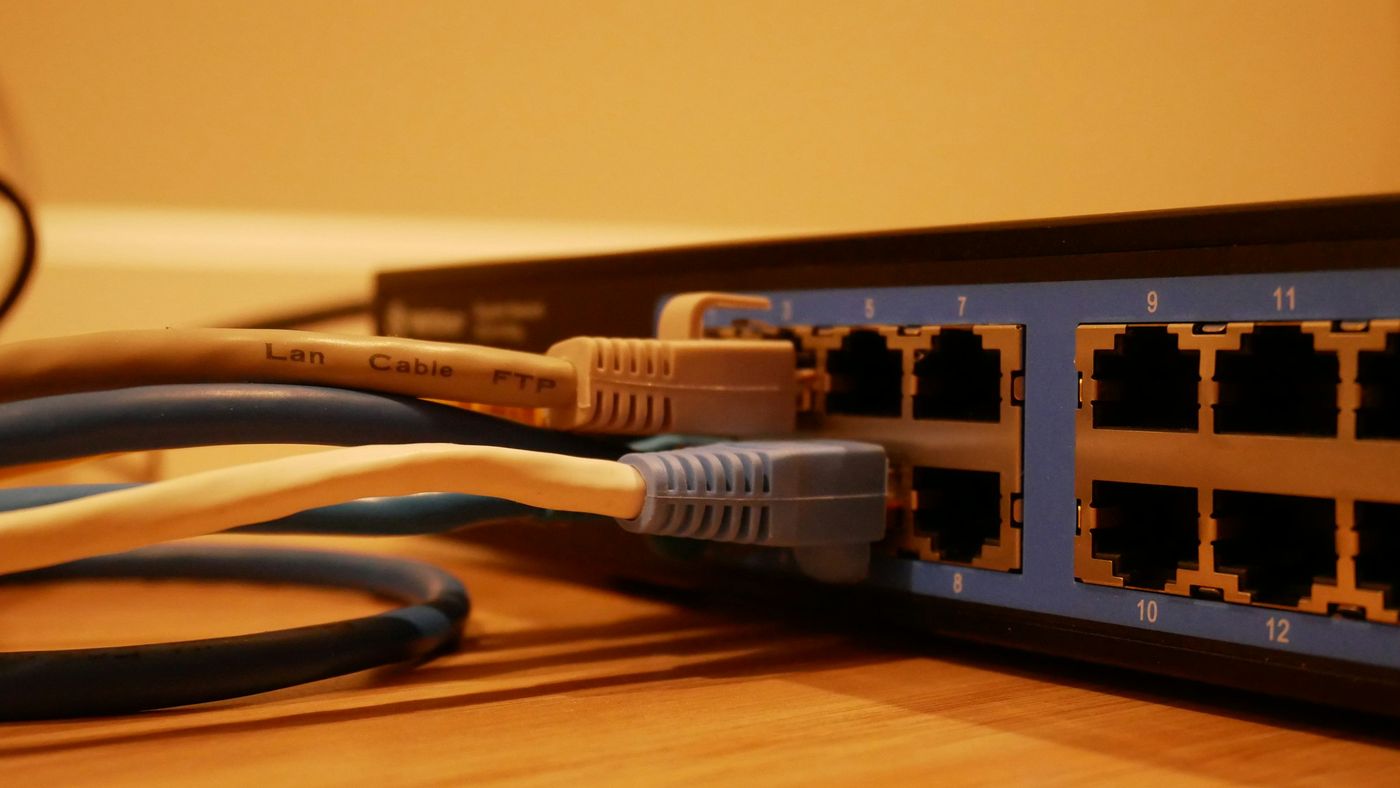
It's also worth looking at the age of your equipment. Older routers may no longer receive security updates, and they may not support current security standards. If yours has been in place for many years, it's a good time to evaluate a replacement.
2. Use current Wi-Fi security
Wi-Fi standards have moved on. Wi-Fi 7 is the current generation, and the Wi-Fi Alliance notes that Wi-Fi CERTIFIED products support required security capabilities, including the latest Wi-Fi security, WPA3 (Wi-Fi Alliance). When you replace network equipment, look for current certification, and make sure WPA3 is turned on wherever your devices support it.
3. Separate your networks
Not every device needs to talk to every other device. We recommend separating the network into segments:
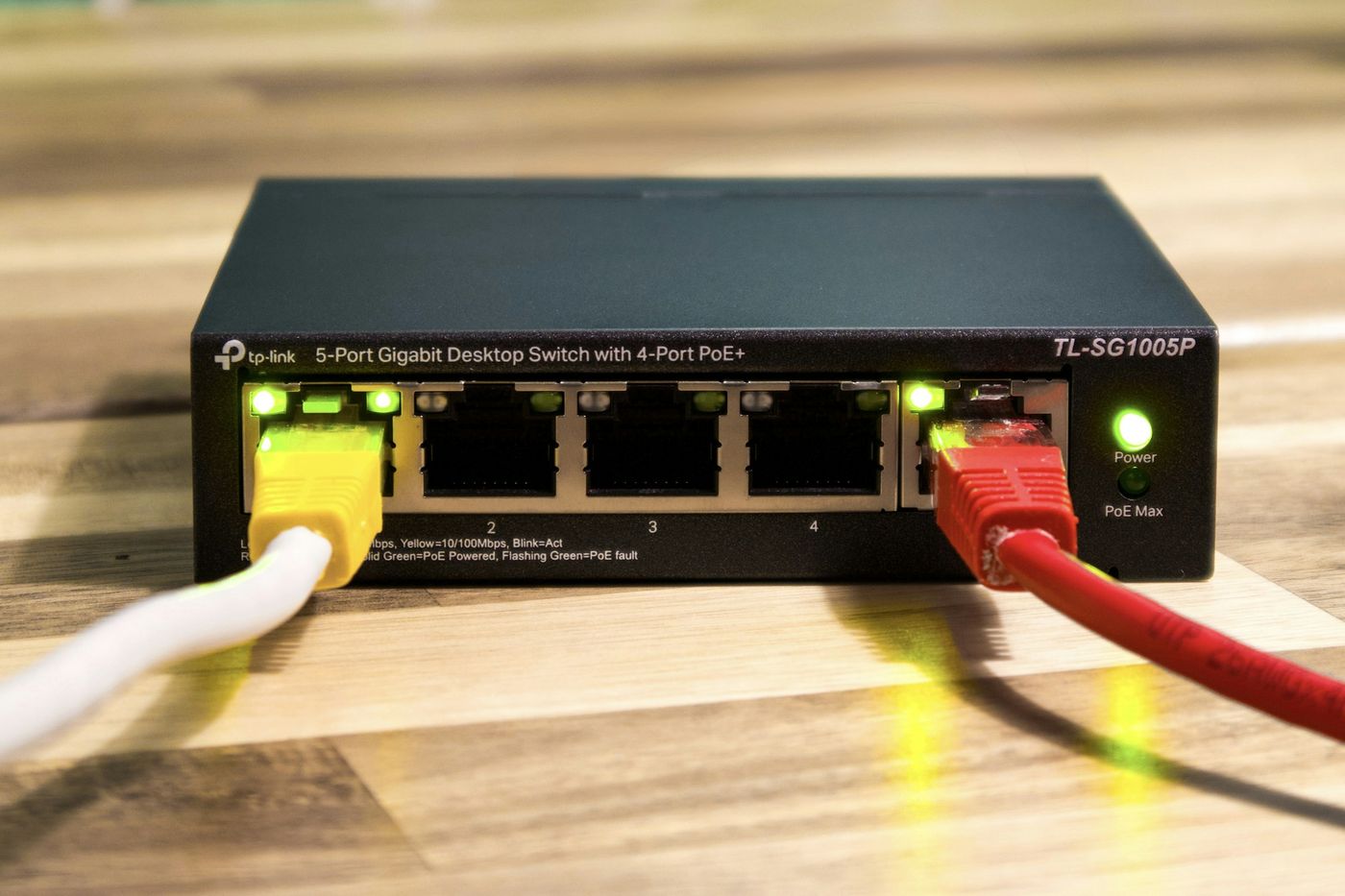
- Primary network for the family's phones, computers and tablets.
- Device network for smart home equipment such as cameras, audio, lighting and control.
- Guest network for visitors, so they can get online without access to anything else in the house.
If a single device is ever compromised, separation limits what it can reach. It also keeps busy guest traffic away from the systems that run your home.
4. Use long passphrases, and don't reuse them
Current password guidance has shifted away from short, complicated passwords. In its latest digital identity guidelines, NIST explains that length is a primary factor in password strength, that passphrases are often an effective way to create longer passwords, and that composition rules (requiring a mix of character types) deliver less benefit than once thought (NIST SP 800-63B-4, Strength of Passwords).
In practice, that means:
- Change every default password on routers, cameras and other devices during setup.
- Use long, unique passphrases for your Wi-Fi and for each account.
- Store them in a reputable password manager rather than a note on the fridge.
- Turn on two-step verification for the apps and accounts that control your home.
5. Keep everything updated
Manufacturers release firmware updates to fix security weaknesses as they're discovered. Devices that never get updated stay exposed. Make sure routers, access points, cameras and smart home equipment are on current firmware, and replace devices that are no longer supported. A managed network makes this far easier, because updates are tracked rather than forgotten.
6. Make remote access secure
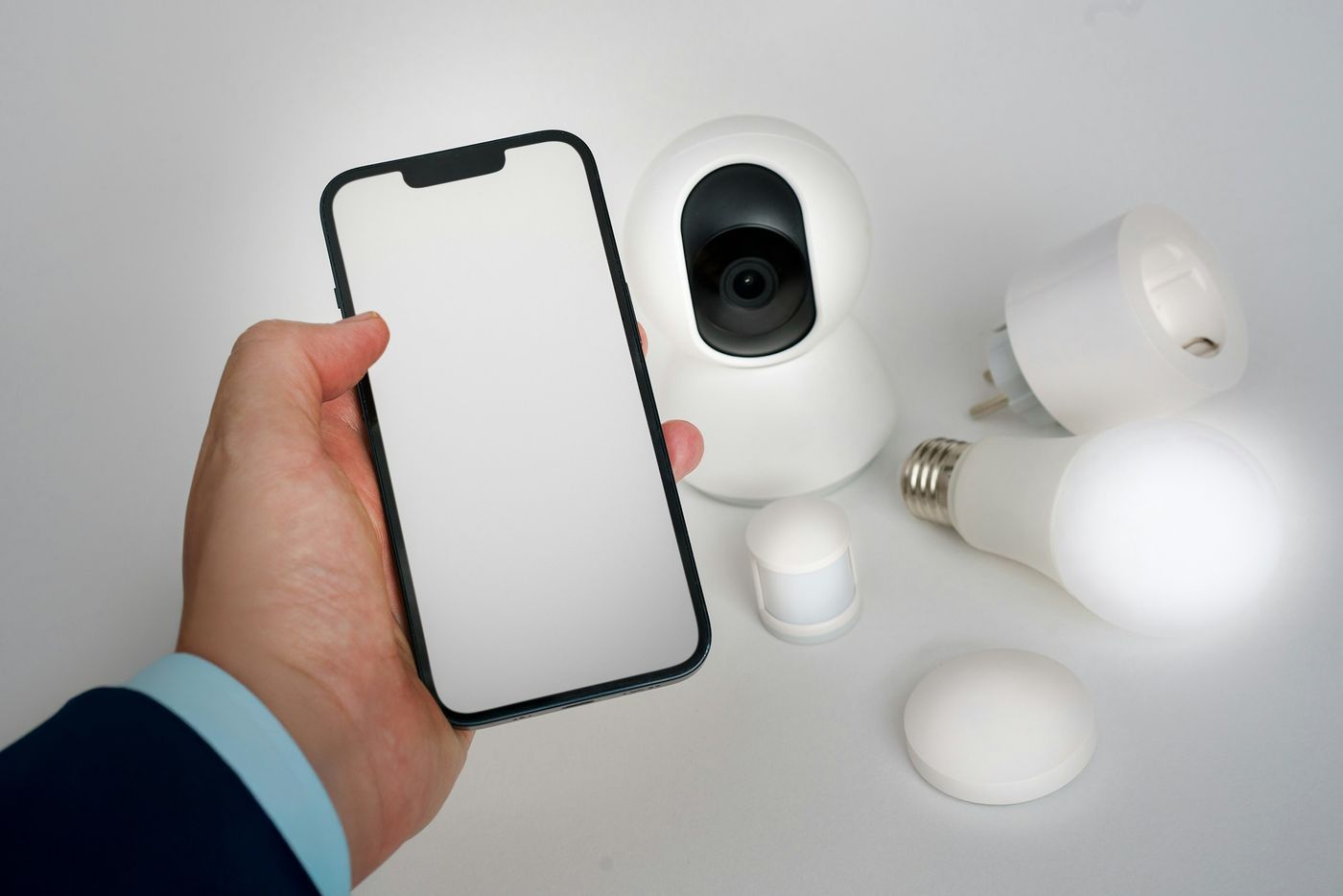
Checking cameras, unlocking a door for a contractor or adjusting the thermostat from the airport is one of the best parts of a smart home. Remote access should be set up so only authorized users can reach the system, with individual logins for each household member instead of one shared account. When someone no longer needs access, such as a former house manager, their access should be removed.
Bandwidth still matters
Security isn't the only reason to pay attention to your connection. Video calls, streaming and cameras all compete for bandwidth. For reference, the FCC raised its benchmark for high-speed fixed broadband to 100 Mbps download and 20 Mbps upload in March 2024 (FCC). A busy connected home often benefits from more than that, especially upload speed if you have several cameras. The right service level depends on how your household uses it.
A foundation for everything else
Every system in a smart home, from security to whole-home audio, depends on the network. That's why Wi-Fi and networking are part of our smart home automation work rather than an afterthought.
If you're unsure how secure your current setup is, or you're planning a new home, we can help. Book My Free Consultation and we'll review your network and recommend a plan that keeps your home fast, reliable and protected.
