
HDMI 2.1 vs. HDMI 2.2: What Homeowners Should Know About Cables
HDMI 2.2 arrived in 2025 with a new Ultra96 cable. Here's what actually changed from HDMI 2.1, which features matter in a home theater or media room, and how to make sure a cable is the real thing.
HDMI is the cable most people never think about until the picture flickers, the sound drops out or a new TV refuses to show a game in full quality. With a newer version of the HDMI specification now available, it's worth understanding what changed and what it means for your home theater or media room.
Where HDMI stands today
The HDMI Forum released HDMI 2.2 on June 25, 2025 (HDMI Forum announcement). It raises maximum bandwidth to 96 Gbps, up from the 48 Gbps supported by HDMI 2.1-era cables, and adds support for higher resolutions and refresh rates, including 4K at 240 Hz and 8K at 60 Hz with full color detail, plus support for 10K, 12K and 16K (HDMI Licensing Administrator, HDMI 2.2 overview).
HDMI 2.2 is backward compatible with earlier versions (HDMI LA), so existing equipment keeps working. The new capabilities only appear when the source, the display and the cable all support them.
Two cable names to know
HDMI cables are named by what they can carry, not by version number:
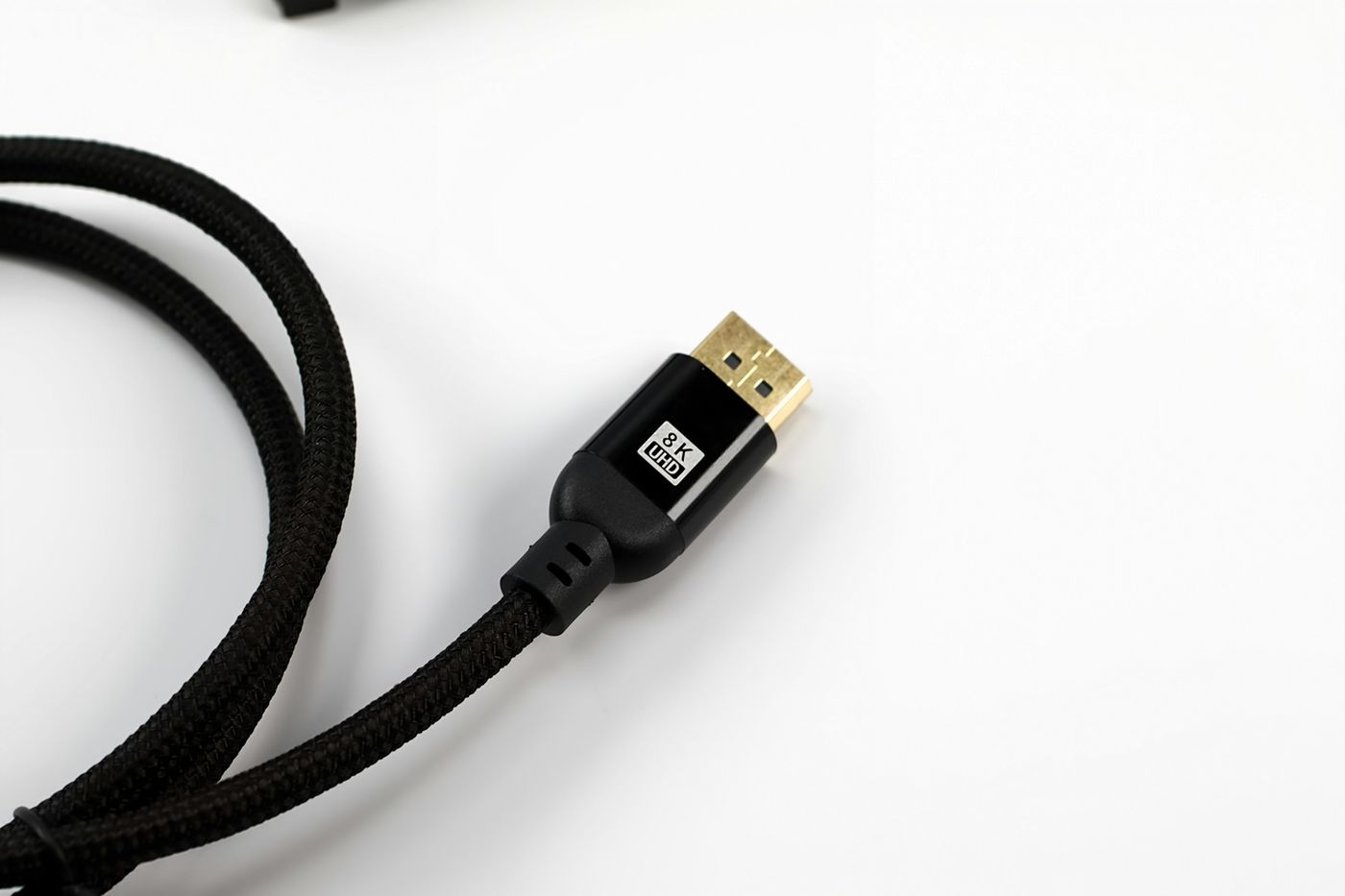
- Ultra High Speed HDMI Cable: introduced with HDMI 2.1 and on the market since 2020, it supports up to 48 Gbps (HDMI LA, cable certification).
- Ultra96 HDMI Cable: the new cable for HDMI 2.2, supporting up to 96 Gbps. HDMI LA describes it as the only cable that supports all HDMI 2.2 applications (HDMI LA).
You'll also see "Ultra96" used as a feature name on TVs, receivers and other products. Manufacturers are encouraged to use it to show a product supports a maximum of 64, 80 or 96 Gbps under the HDMI 2.2 specification (HDMI Forum). In other words, an "Ultra96" label on a device doesn't always mean the full 96 Gbps, so it pays to check the details.
Features that matter at home
These features are part of the current HDMI specification and are the ones people notice most at home:
- eARC (Enhanced Audio Return Channel): sends high-quality audio from the TV back to a receiver or soundbar, with support for advanced audio formats.
- VRR (Variable Refresh Rate): reduces lag, stutter and frame tearing in games.
- ALLM (Auto Low Latency Mode): automatically switches the display to its low-latency setting when you start playing.
- QFT (Quick Frame Transport): reduces latency for more responsive gaming.
- QMS (Quick Media Switching): reduces the blank-screen delay when a movie or show changes frame rate.
Those descriptions come from HDMI LA's specification overview. HDMI 2.2 adds Latency Indication Protocol (LIP), which improves audio and video sync in systems where the signal passes through more than one device, such as a TV connected through an AV receiver or soundbar (HDMI Forum). That's a common setup in home theaters.
A quick note for gamers: if you've read that the PlayStation 5 doesn't support VRR, that's out of date. Sony rolled out VRR support for the PS5 in April 2022 (PlayStation Blog).
How to spot a genuine certified cable
Not every cable sold as "8K" or "high speed" meets the specification. Certified Ultra High Speed and Ultra96 cables carry an official certification label on the packaging, and the cable name must also appear on the cable jacket. The label can be scanned with a standard QR code app to confirm the model has been tested and certified (HDMI LA, cable certification).
If a cable doesn't carry the label, treat its performance claims with caution.
Do you need to replace your cables?
Probably not all of them. If your current TV and sources work well, nothing about HDMI 2.2 makes them obsolete. Upgrading cables matters when you add equipment that needs more bandwidth, such as high-refresh-rate gaming or future high-resolution displays, or when an existing connection is unreliable.
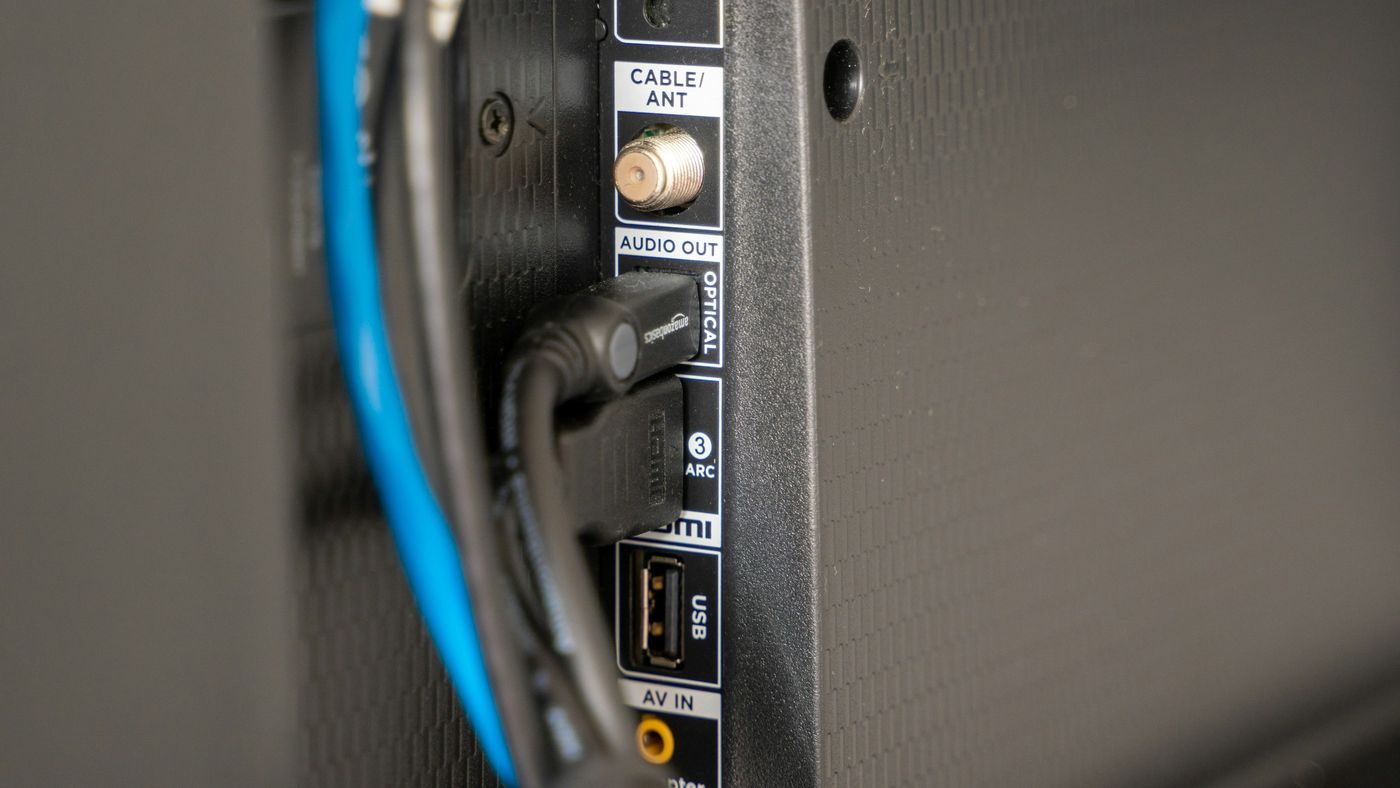
What matters more is the design of the whole system. Cable length, whether runs are inside walls, how sources are distributed between rooms and how signals pass through receivers all affect performance. The right approach for a particular home depends on those details, which is why we sort it out during design rather than leaving it to the day the TV is mounted.
Get the connections right the first time
Behind every reliable home theater or media room is a connection plan that matches the equipment and leaves room for what's next. If you're building, remodeling or upgrading your displays, we can help you plan the right signal path for your space.
Book My Free Consultation to talk through your theater, media room or whole-home video setup.
